
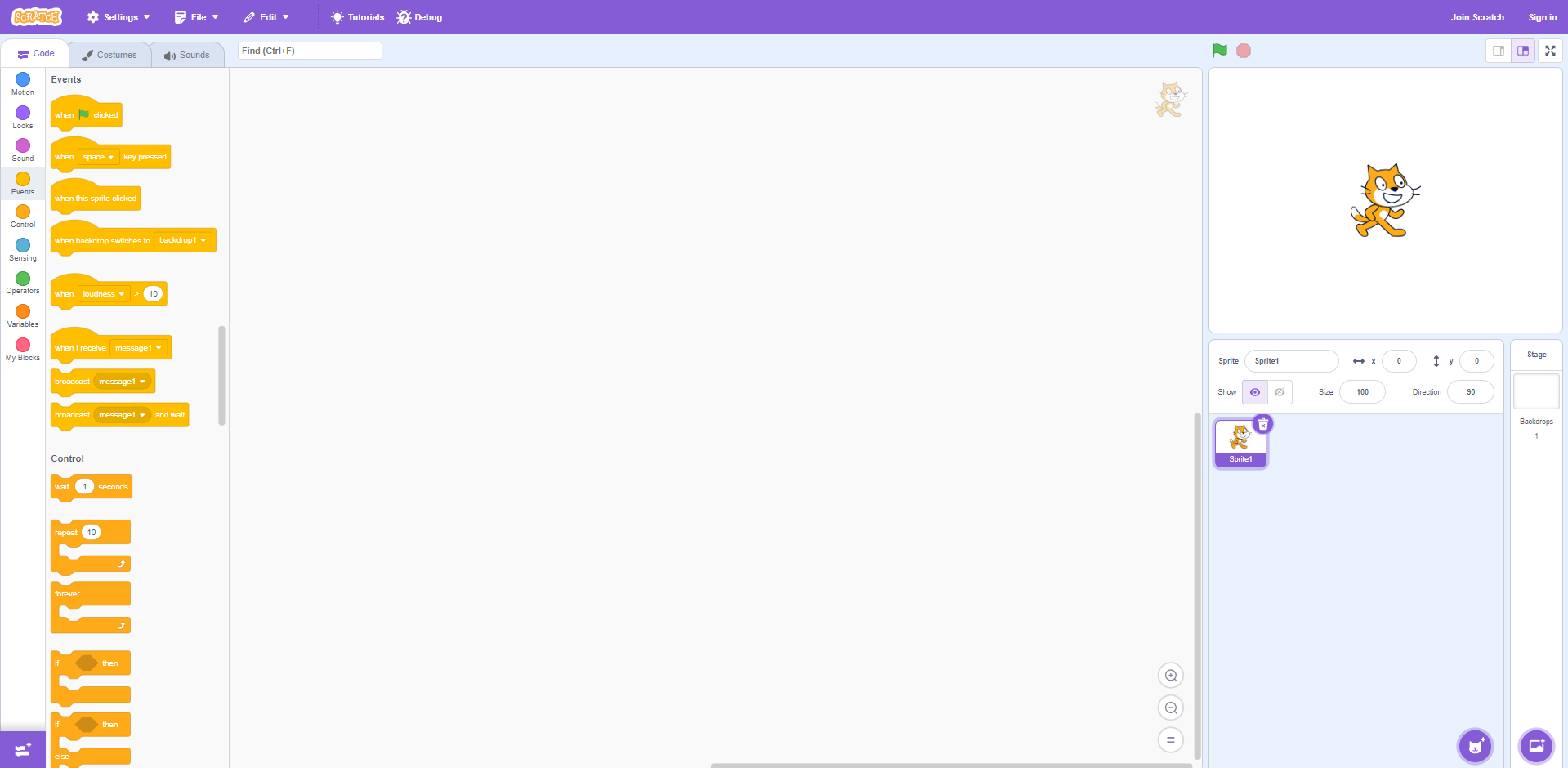
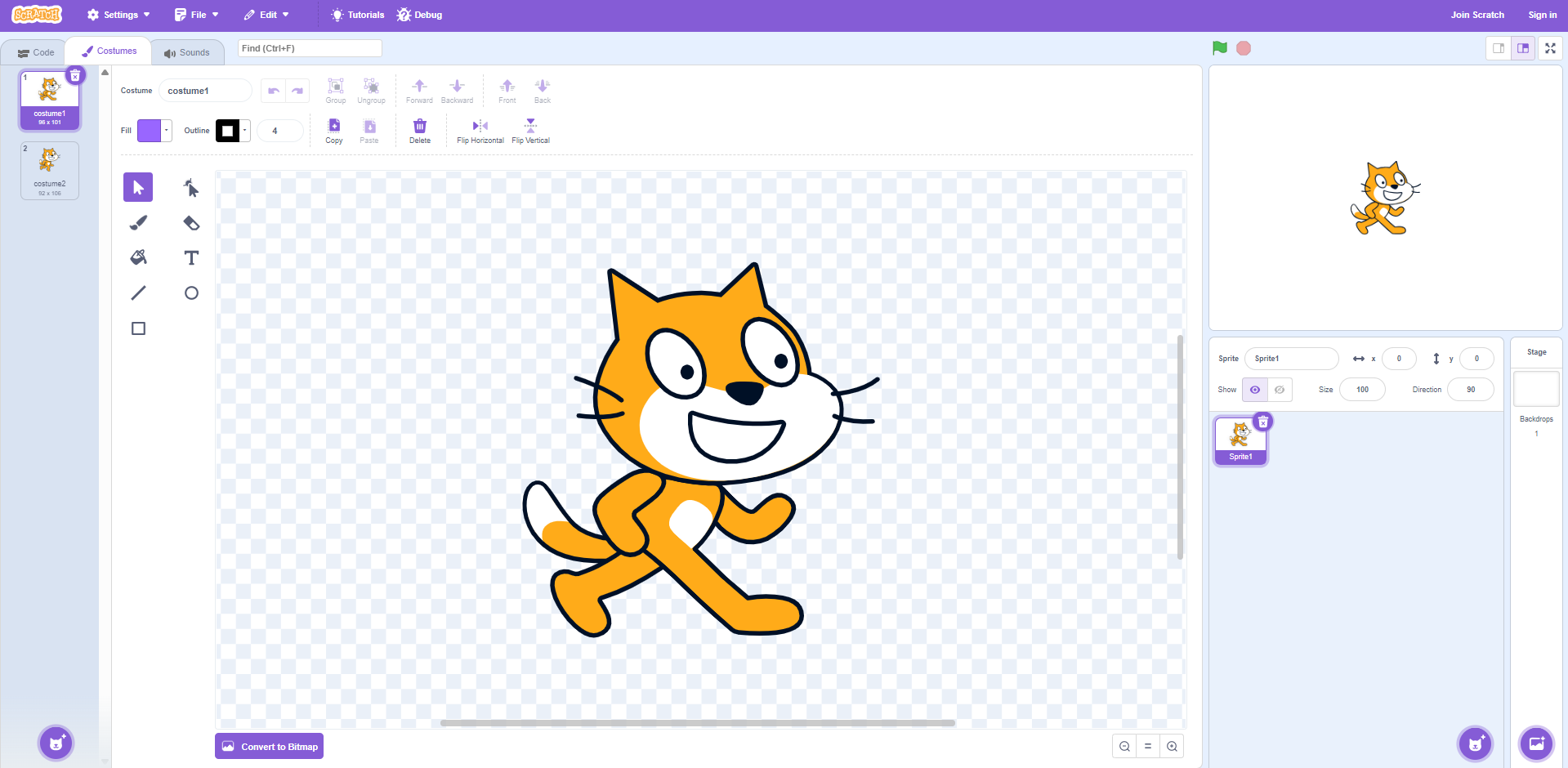
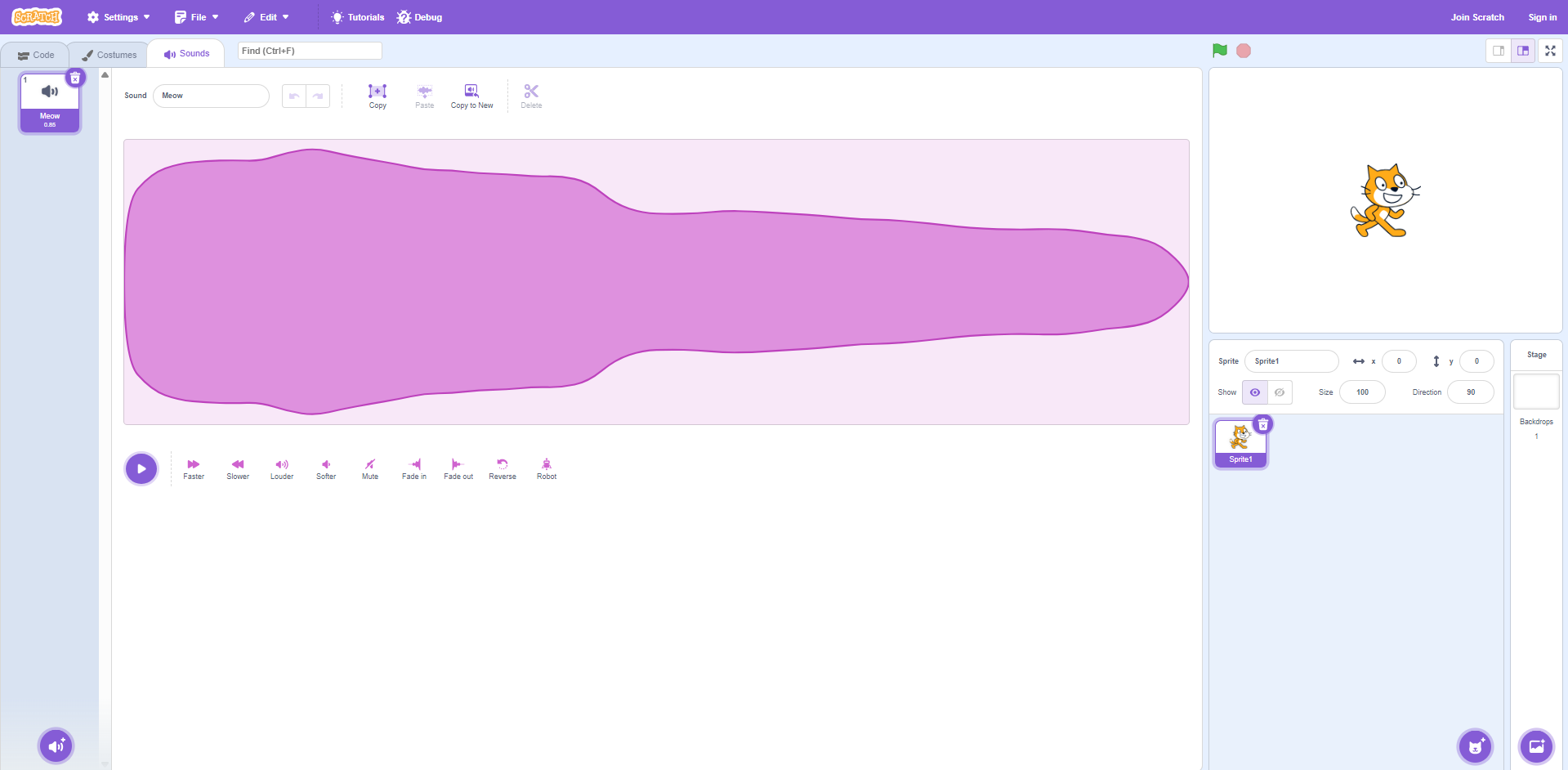
Heres how Each editor looks when selected
Code
Costumes
Sounds
Costumes
Sounds
1. Costumes!!!!1
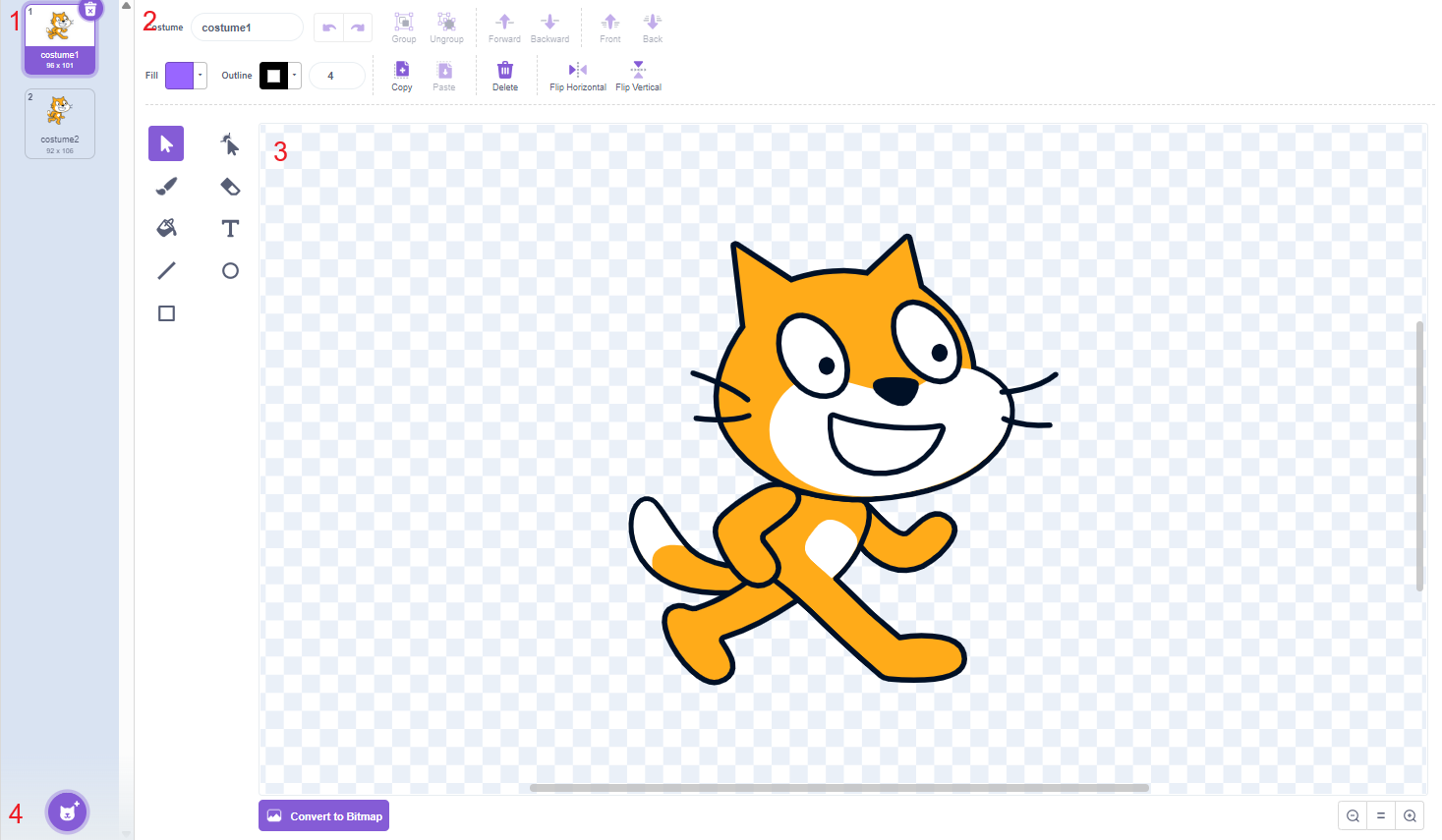
1.1. Costume list
1.2. Editing tools
1.3. Costume
1.4. Add sprite button
1.1. Costume list
Displays all costumes for the selected sprite/background.
Click on one to select it.
Can also delete it.
Drag them up or down to change the order they are in.
1.2 Editing tools
guess what
...
another pic!!1!
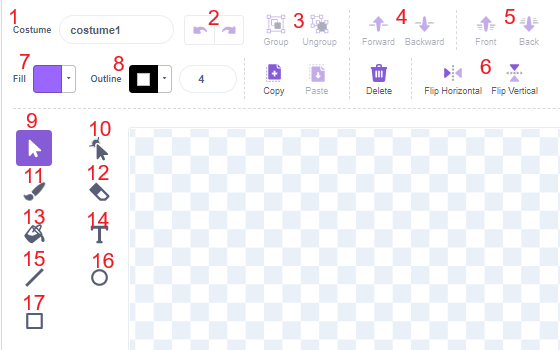
1.2.1. Costume name
1.2.2. Undo/Redo buttons
1.2.3. Group/Ungroup buttons
1.2.4. Forward/Backwards buttons
1.2.5. Front/Back buttons
1.2.6. Flip horizontal/vertical buttons
1.2.7. Fill color
1.2.8. Outline color and thickness
1.2.9. Select button
1.2.10. Reshape button
1.2.11. Paint button
1.2.12. Erase button
1.2.13. Fill button
1.2.14. Text button
1.2.15. Line button
1.2.16. Circle button
1.2.17. Square button
Notes: Not all tools will be documented since why?
1.2.3.
Groups and ungroups shapes.
Makes them act like 1 shape but still be multiple shapes
1.2.4 and 5.
Moves a shape(s) up/down 1 layer (1.2.4.) OR moves them up/down as many layers as needed (1.2.5.)
1.2.7
Fills anything
If shape, it fills the whole shape.
1.2.10
Cool button that lets you make cool shapes
adds 2 more options to the top
(Curved and Pointed)
watch this video since idk how to explain it
1.3
Where your picture editor area is
1.4
Came functionality as the add sprite button:
Click to add a sprite, and hover to select more options
2. Sounds
guess what ...
no numbers!!!
same general functionality as the costumes but im too lazy to write documentation for this
pretty sure this is worse than the previous page right here